
Geek Divers user guide
Search it, or pick what you are doing right now.
I want to …
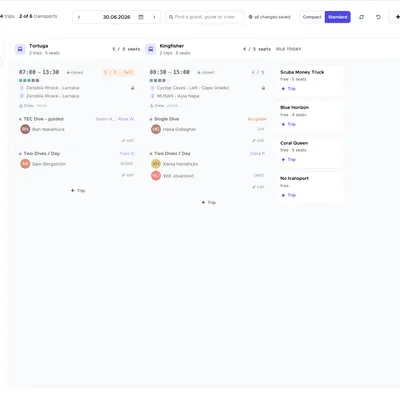
Section titled “I want to …”- Plan tomorrow’s boatsPlanning board
- Create a trip or a courseTrip Builder
- See who arrives todayDay sheet
- Register a guestCustomers
- Take a paymentBills
- Close a bill and check outBills
- Send a quoteBooking
- Book a roomAccommodation calendar
- Pay a guide’s commissionPayslips
- Check the day’s cashCash flow
- Change pricesPrice list, bulk edit
- Give a colleague accessUsers and permissions
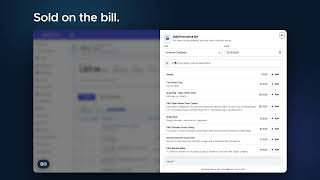
New in 3.0
A new design with dark mode, a planning board for busy mornings, screens that update live while your team works, and a lot more.
Starting out
New to Geek Divers? Set these up once, in this order. The Setup checklist on your dashboard follows the same steps.
Every day
The screens most centres live in.
- The dashboard: money, departures, arrivals, what is running low
- Activity calendar: the week at a glance
- Planning board: who goes on which boat
- Bills: what a guest owes and has paid
- Equipment checks: nothing out of service unnoticed
- Finance: how the month is going
All chapters
Section titled “All chapters”- Going live, step by step
- 1. Getting started and Settings
- 2. Price List
- 3. Dive Sites
- 4. Staff
- 5. Partners
- 6. Equipment
- 7. Customers
- 8. Activity
- 9. Customers bills
- 10. Payslips (previously Staff Payments)
- 11. Agents Invoices/Credit Notes
- 12. Cash flow
- 13. Online registration form
- 14. Reporting
- 15. Booking
- 16. Accommodation
- 17. Messages
- 18. Marketing
- Help