
Messages
Starting from version 2.2, coming with the online booking, you will find a new menu entry called Messages.
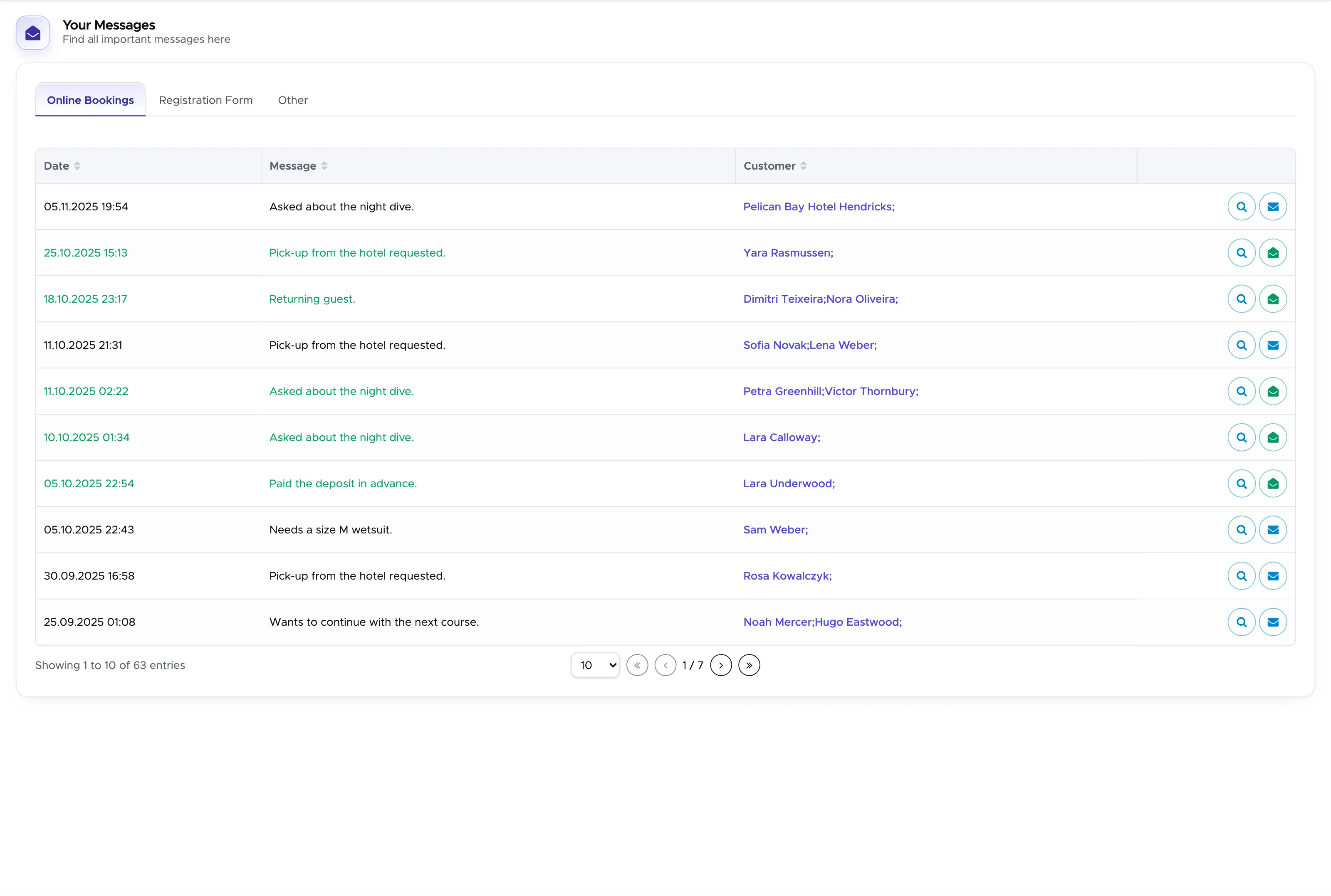
This will help you organize your online bookings, registration form, and merged customers. You can click on the magnifier to see more details and mark the message as read or unread. Whenever you receive a new online booking, a new registration form, or a customer is merged, you will find the message here.
17.1 Online Bookings
Section titled “17.1 Online Bookings”The first tab will show you all your online bookings. Whenever a customer books online, Geek Divers will automatically add a message here. You can now easily follow up on it.
17.2 Registration Form
Section titled “17.2 Registration Form”The second tab now contains all the customers that filled out the registration form. You can see them here and check if everything is correct or if you need to follow up.
17.3 Merged Customer
Section titled “17.3 Merged Customer”You can now also find the list of the merged customers here. A customer will automatically be merged if they fill out the registration form or the online booking form and their first name, last name, and email are already in Geek Divers.